

Guide to BNB Deposits/Withdrawals
Integration of Binance Smart Chain on BetFury is a significant step forward. And we want you to take this step with us easily. BNB price grows like mad as well as the BNB Staking pool on BetFury. That’s why we want all our users to use BNB like profi.
The first thing you need to know to succeed is how to make Deposits / Withdrawals of BNB.
There are 3 ways to make a Deposit and they all depend on how users sign in: MetaMask, Binance Smart Wallet, email/pass.

Regardless of the login method BetFury generates a unique address for every user to deposit funds.
Follow these steps to make a Deposit:
- Log in by any way you like
- Choose the Currency - BNB
- Press Deposit
- Copy your Deposit address
- Use it to deposit funds from: Binance Exchange, MetaMask, Binance Chain Wallet, Trust Wallet or any other source, which supports Binance Smart Chain.
Use MetaMask for Binance Smart Chain
To keep your funds conveniently in one wallet, you may save BNB on MetaMask, as well as ETH.
MetaMask is a cryptocurrency wallet used to interact with Ethereum-based cryptocurrencies and coins, broadcast transactions, send and receive them.
- Install Metamask to your browser. It’s supported in Chrome, Brave, and Safari browsers.

- Come up with a strong password (should contain at least 8 characters);
- Memorize your Backup phrase or save it in a secure place;
- Come up with a strong password (should contain at least 8 characters);
- Memorize your Backup phrase or save it in a secure place.
2. Connect Your MetaMask With Binance Smart Chain
- Open the extension
- Choose Networks in the header, click on “Custom RPC”(Pic 1)
- Enter the Mainnet data (Pic 2):
RPC URL ( https://bsc-dataseed.binance.org/ )
ChainID: 0x38
Symbol: BNB
Block Explorer: https://bscscan.com
- Press Save and choose the Binance Smart Chain in the next step.

3. Make sure you have BNB on Your wallet. You may buy it on the Binance Exchange - use your Binance Smart Chain Address from MetaMask.
4. Send BNB from MetaMask to BetFury. Use your BNB Deposit address from the platform.
Binance Chain Wallet
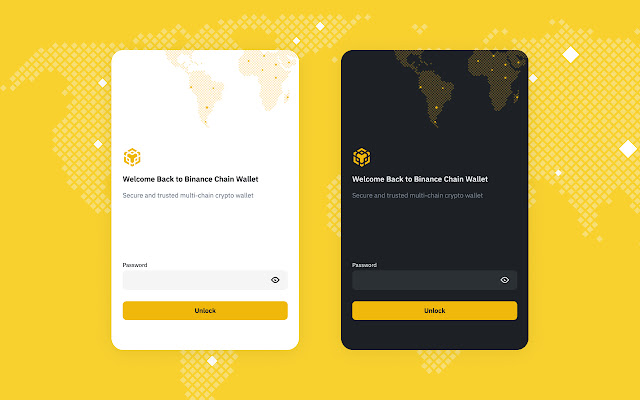
To make Deposits & Withdrawals of BNB you can use the Binance Chain Wallet. It’s a Crypto Wallet for Binance Chain, Binance Smart Chain and Ethereum. Set up the Binance Chain Wallet browser extension and register. It’s supported in Firefox and Chrome browsers. The procedure of Making a Deposit is the same as for MetaMask.
Withdrawal of BNB
Withdraw will be implemented to any external BEP-20 wallet which you specify. Paste the wallet address and the amount you want to withdraw. Each time verify your balance has enough BNB to pay the transfer fee.
Choose the most convenient way of making Deposits and enjoy all the benefits.

